ClipCard: Paste Keyboard
The secure keyboard for the data you paste every day
iOS 17+ AvailableUnlimited clips, free. No account, no ads, no trackers.
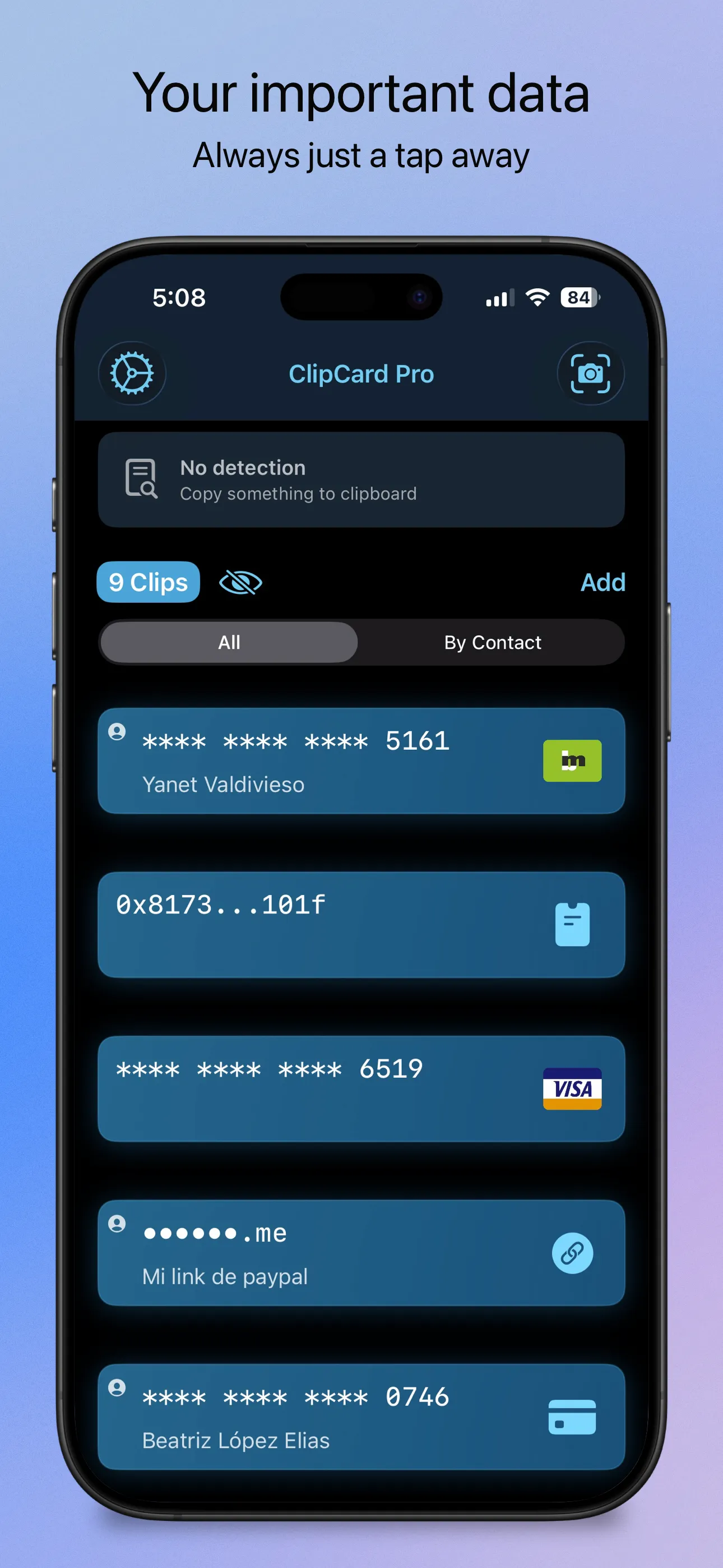
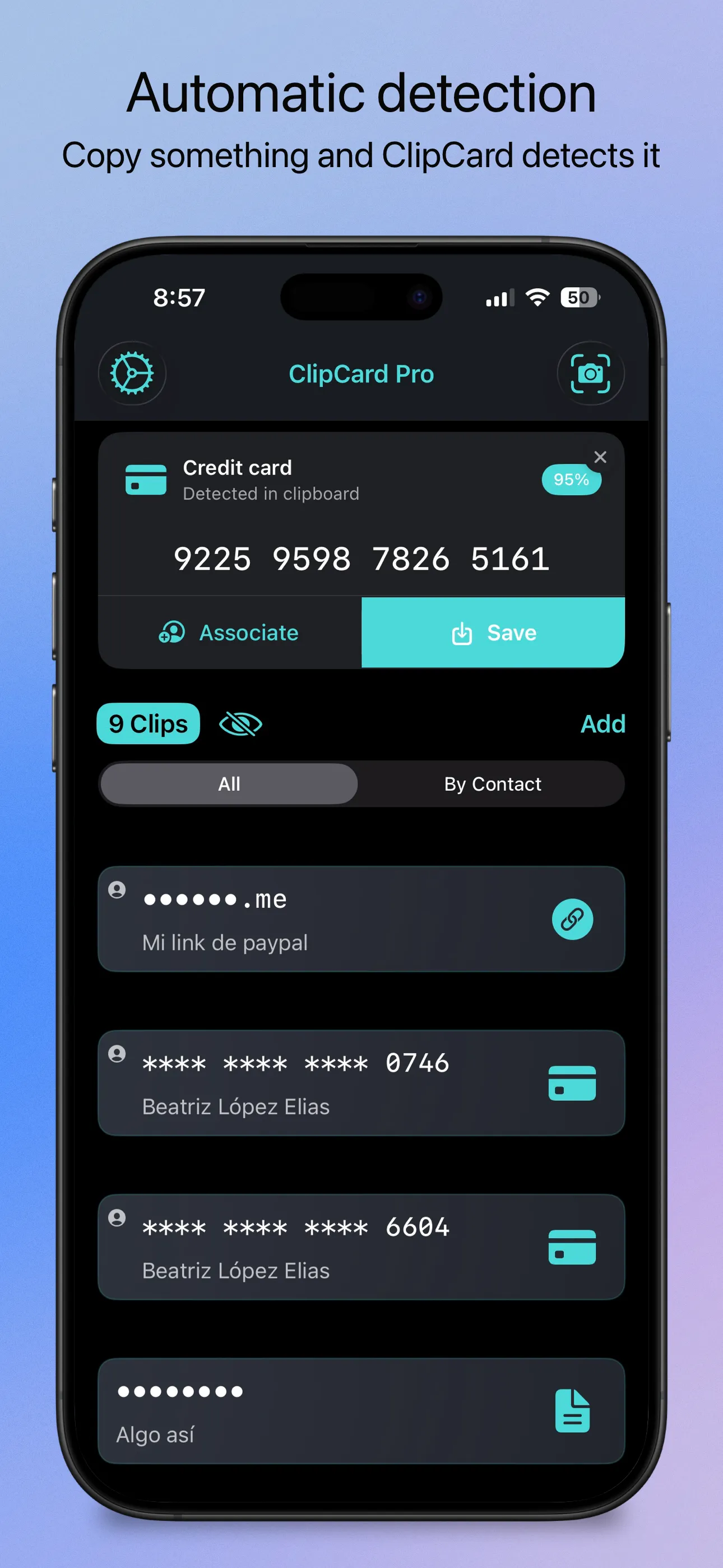
ClipCard is a custom iOS keyboard for the data you retype every day: IBANs, tax IDs, card numbers, billing addresses, wallet addresses and notes. You save each one once in the app, then insert it with a tap from inside WhatsApp, Safari, your banking app, or anywhere else you type.
The keyboard cannot reach the internet. Its extension declares Full Access as off, so iOS blocks the network for it entirely, and you can check that yourself in iOS Settings. It also never goes through the clipboard: text is inserted straight into the field, so nothing is left behind for another app to read.
Preview
Features
- A keyboard, not just a vault - Paste your saved data inside any app, without switching away from it
- No network access at all - The extension never requests Full Access, so iOS blocks the network. Verify it in iOS Settings yourself
- Never through the clipboard - Text goes straight into the field. Nothing is left for another app to read
- The keyboard is read-only - It can insert what you picked, and it cannot change or delete anything in your vault
- Locked until you open it - A 4-digit PIN opens the keyboard. Unlock the app with Face ID and the keyboard stays open with it for a few minutes, free plan included
- Suggestions that cannot read your secrets - The suggestion engine runs on your iPhone and is never handed the text of a clip
- You choose what it can see - Every clip has its own switch. Recovery phrases, BIP39 passphrases and 2FA secrets never reach the keyboard at all
- 10 data types, all free - Cards, crypto wallets, crypto tokens, NFTs, recovery phrases, BIP39 passphrases, 2FA secrets, phone numbers, URLs and free text
- Crypto addresses by network - Bitcoin and Lightning, Ethereum and the main EVM chains, Solana, Tron, Cardano, Dogecoin, Litecoin and TON
- Camera scanning - The Vision framework reads the card number on device. Expiry date and CVV are typed by you
- 2FA codes inside the app - Generate verification codes in ClipCard. The secrets stay in the app and never travel to the keyboard
- iCloud sync - Your own private iCloud, across your Apple devices. There is no ClipCard server and no account to create
- Face ID / Touch ID - Biometric protection on every app launch, on both plans
- Import and export - Plain JSON export is always free. Pro adds a password-protected AES-256-GCM backup
- Privacy masking - Granular control to hide sensitive data by type, such as showing only the last four digits
- Voice shortcuts - Copy, search, create and count clips from the Shortcuts app, in English and Spanish
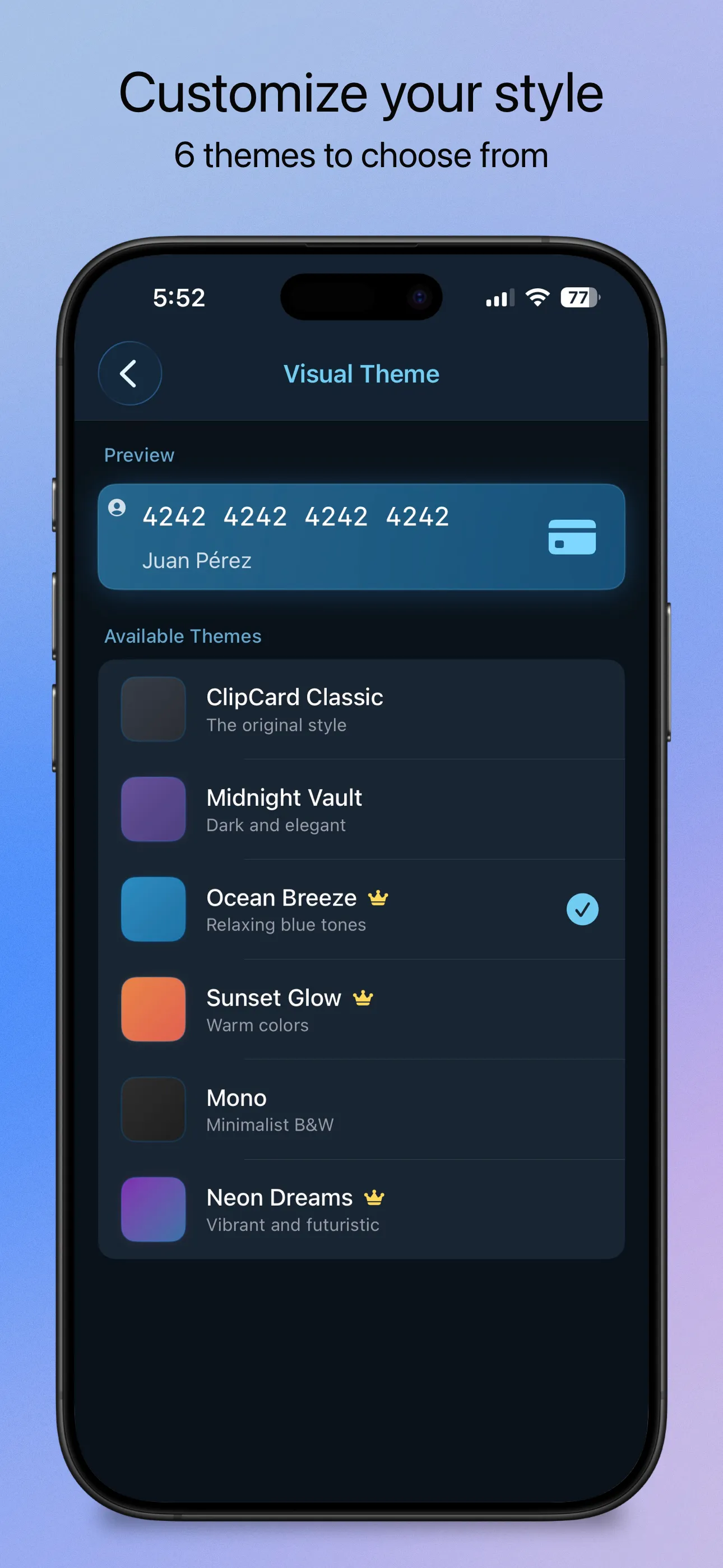
- 6 visual themes - Three free and three with Pro, each with light and dark mode, and the color travels to the keyboard
- Full accessibility - VoiceOver in the app and in the keyboard, Dynamic Type, Reduce Motion and privacy-aware screen reading
Pricing, in plain words
Free: unlimited clips of all 10 types. Reading, copying, pasting, searching, plain JSON export and import, camera scanning, iCloud sync, Face ID, 3 of the 6 themes, and the keyboard carrying 3 clips. No ads on either plan.
Pro: every saved clip reachable from the keyboard instead of 3, a password-protected AES-256-GCM backup file, and three extra themes. $2.99 a month with a 1 week free trial, $19.99 a year with a 2 week free trial, or $49.99 once for lifetime access, which is a single purchase and never renews. The App Store shows the price for your region.
Security is never a paid tier. Face ID, the encryption and the keyboard's inability to reach the network are the same whether you pay or not. No paywall ever blocks data you already saved.
Questions
Does the keyboard use Face ID?
Not by itself, because an iOS keyboard extension cannot invoke Face ID. What happens is that you unlock the app with Face ID and the keyboard opens with it for a few minutes. The only thing the keyboard asks for on its own is a 4-digit PIN.
How do I know it cannot send my data anywhere?
Open iOS Settings, go to General, Keyboard, Keyboards, and tap ClipCard. Full Access is off and there is nothing to turn on. Without Full Access, iOS blocks the extension from the network. You do not have to take our word for it.
Is there a limit on how much I can save?
No. The vault is unlimited and free, of all 10 types. The number 3 on the free plan is how many of those clips reach the keyboard, not how many you can keep.
Do I need an account?
No. There is no sign up, no email and no ClipCard server. Sync goes through your own private iCloud, and you can turn it off.
Can the keyboard change my data?
No. It reads an encrypted copy of the clips you selected and inserts text. It cannot create, edit or delete anything.
What never reaches the keyboard?
Recovery phrases, BIP39 passphrases and 2FA secrets, for everyone, paid or not. They also stay out of a plain, unencrypted export.
What do I need to run it?
An iPhone on iOS 17 or later.